



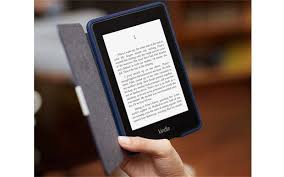

Since I bought my first e-reader (Amazon Kindle 1), I have reduced the number of printed reading material I carry around. Instead I have been carrying my kindle, which is full of reading content.
Today I was reading ThoughtBlogs in a café. I was off-line, away from my computer, and without a mobile phone. I only had my Kindle, and the wireless capability was off (I am in India and the Amazon kindle whispernet only works within the uSA).
For those with e-reader devices, here is how you can upload ThoughtBlogs content to it.
- Download and install Calibre, a free, open source and cross-platform e-library solution with the Fetch News (RSS) feature.
- Add ThoughtBlogs as a Calibre custom news source.
Below are the summarized steps on how to add ThoughtBlogs as a Calibre custom news source:
- Fetch news / Add custom new source
- Add/Update Recipe (ThoughtBlogs as the Recipe title)
Feed Title: Planet TW
Feed URL: https://blogs.thoughtworks.com/rss20.xml - On Fetch News, ThoughtBlogs should be listed at the Custom news source.
You can also check the detailed step-by-step instructions by Calibre.
Enjoy it!